
The Great Beyond logo
  • 🏡 Home
  • 🧭 Join Discord
  • ⚔️ Our Modpacks
  • 😎 Our Team
  • 📓 Rules
  • 🎉 Helping & Tip Jar

© 2026 The Great Beyond. All rights reserved. The Great Beyond is a mad, hodge-podge collection of modified Minecraft® servers. The Great Beyond is not affiliated with Mojang™, Microsoft™.

TGB
ÂŤ Previous pack: Prominence II RPGNext pack: Steampunk Âť

Play The Great Beyond

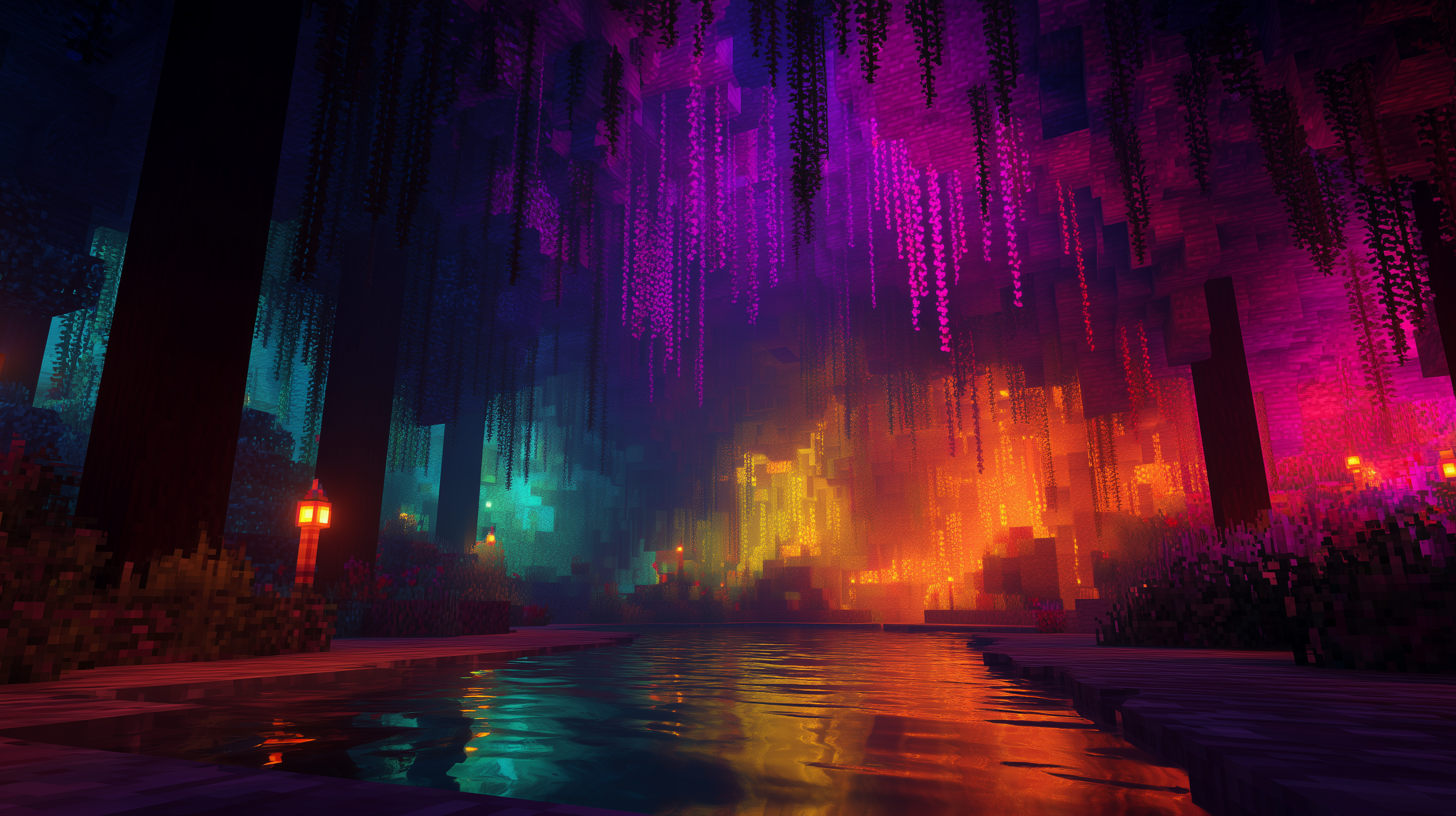
Explore vast, exotic lands filled with adventure, mystery and danger in our flagship modpack, The Great Beyond. With sprinklings of tech, magic and utility mods, you'll find our modpack fit to bursting with content. Craft your own companions, explore a world that is jam-full of structures, dungeons, villages, mobs and intrigue. Architect your own space and playstyle with hundreds of mods for your character and your home. The Great Beyond is our own, flagship modpack, built by the very community who run The Great Beyond itself. Having played so many modpacks, we've created our own - one we'd like to play. Play our exploration focused pack, bursting with content from hundreds of mods so you can craft your world, explore vast faraway exotic lands, fight incredible bosses and tailor your player to your style.

Grab The Great Beyond from CurseForge

Dive straight into The Great Beyond and get our modpack from Curseforge. If you wish to play on our server, ensure the version above matches the version you choose to download.

PLAY The Great Beyond

join.greatbeyond.org

^ Click to copy the address

Get started

1

Join Discord if you haven't already. Other players can help you. The admin can help you. The admins for TGB are:

2

If you aren't already, you should use CurseForge or ATLauncher to set Minecraft up for each modpack correctly. Install CurseForge/ATL and ensure you can start Minecraft via it.

3

Install the The Great Beyond modpack. You need version v0.3.15.

4

Smack that big, juicy Play button.

5

When TGB starts (and looks like the main Minecraft menu), hit Multiplayer and Add Server. Enter The Great Beyond as your server name and join.greatbeyond.org in the address box. You must add the port number if the address has one. Connect!

6

When in game and you need help or want to know more, ask in game or on our Discord.

7

Welcome to The Great Beyond! glhf!

We're figuring things out...

STEP INTO THE GREAT BEYOND

The best way to get started is Discord

Mod List (353 mods)